The Best Malware Removal Services to Save Your Computer
Is Your Device Infected? Here Are the Best Malware Removal Services in 2026
A malware removal service is one of the most important tools you can use when your computer or website has been compromised by malicious software. Here is a quick look at the top options:
| Service Type | Best For | Key Benefit |
|---|---|---|
| Remote malware removal | Quick, convenient cleanup | No need to leave your home or office |
| In-store diagnostics | Deep hardware-level infections | Hands-on expert diagnosis |
| Website malware removal | Hacked business websites | Protects SEO and restores uptime |
| Managed security services | Ongoing business protection | Continuous monitoring and threat response |
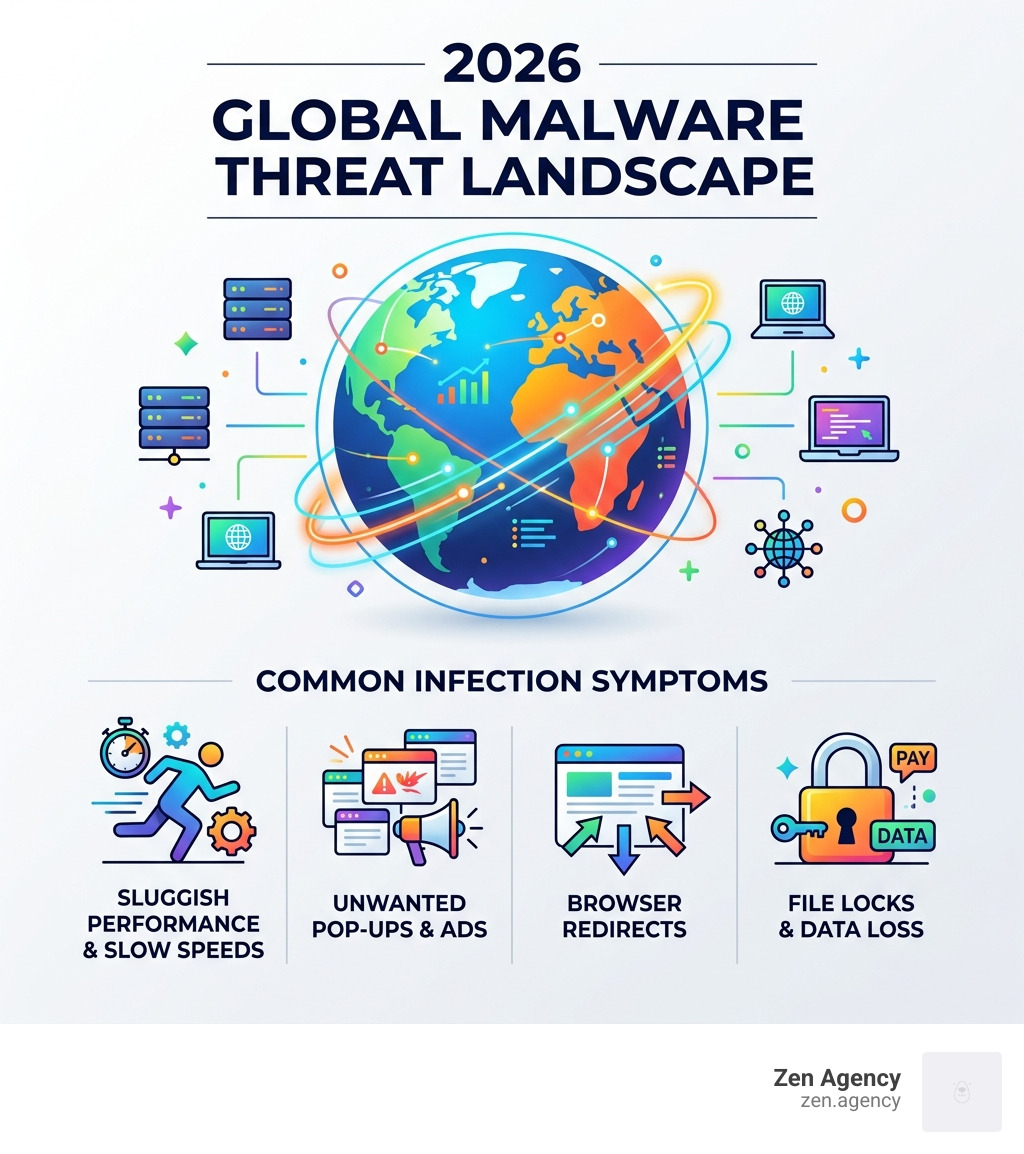
You notice your computer is running slower than usual. Pop-up ads are appearing out of nowhere. Your browser keeps redirecting to strange websites. These are classic signs your device may be infected with malware.
Malware — short for malicious software — is any program designed to damage, disrupt, or gain unauthorized access to your system. It comes in many forms:
- Viruses that corrupt files
- Spyware that steals your data
- Ransomware that locks you out of your own files
- Adware that floods your screen with unwanted ads
The scary part? Many infections are invisible. Your system can be compromised for weeks before you notice anything wrong.
I’m Joseph Riviello, CEO of Zen Agency, and with over 22 years in digital marketing I’ve seen how a malware infection can cripple a business’s online presence and undo months of hard-won SEO progress — making a reliable malware removal service a non-negotiable part of any serious digital strategy. In the sections below, I’ll break down the best options available so you can make a smart, informed choice fast.
Quick malware removal service definitions:
Why You Need a Professional malware removal service in 2026
In 2026, the digital landscape has become more treacherous than ever. We are no longer dealing with simple “annoyance” viruses that just change your desktop wallpaper. Today’s threats are “sticky”-they are designed to be incredibly difficult to dislodge. Modern malware often embeds itself into executable processes that restart the infection every time you attempt to delete a single file.
For business owners in Pennsylvania and Montana, the stakes are even higher. If your website or business network is compromised, the damage isn’t just technical; it’s financial. A malware infection can lead to a 95% loss in organic traffic overnight as search engines blacklist your site to protect users. Malicious web traffic can hijack your server resources, sending out spam emails or hosting phishing pages under your brand name. The Cybersecurity and Infrastructure Security Agency (CISA) is a useful external resource for staying informed about current threats and best practices.
While many people try to fix these issues themselves using off-the-shelf software, there is a massive difference between a scan and a professional cleanup. Specialized tools are required to target specific threats; however, software alone often misses deeply rooted rootkits or “sleeper” code that waits for the software to be uninstalled before reactivating.
| Feature | DIY Software Scan | Professional Manual Removal |
|---|---|---|
| Detection Rate | High for known threats | Comprehensive (Known & Zero-day) |
| Persistence Removal | Often misses hidden startup scripts | Deep manual registry & system cleaning |
| Data Safety | Automated (Risk of file deletion) | Managed backup and targeted isolation |
| Root Cause Analysis | None | Identifies how the breach happened |
| SEO Recovery | Not included | Includes blacklist removal & SEO repair |
Types of Professional Malware Cleanup for Devices and Websites
When you search for a malware removal service, you’ll find that the “best” option depends entirely on what has been infected. We generally categorize these services into three main buckets:
Remote Assistance
This is the fastest way to get help. A technician connects to your device via a secure internet connection to scan and clean your system in real-time. This is ideal for residents in places like Billings, MT or Scranton, PA who need immediate help without leaving their desks.
In-store Diagnostics
For hardware that won’t even boot up or is suffering from severe system file corruption, a physical visit is often necessary. If you are near Wilkes Barre or Hazleton, PA, local experts can perform deep-level diagnostics that remote tools simply can’t reach. This hands-on approach provides the specialized attention required for local on-site or in-store support.
Website Malware Removal
This is our specialty at Zen Agency. Website malware is a different beast entirely. It involves cleaning SEO spam (where your site suddenly ranks for illegal products), removing your site from Google’s “Red Screen of Death” blacklist, and securing your database. Unlike a personal laptop, a website infection affects every single one of your customers.

What to Expect from a malware removal service Process
Understanding the workflow of a professional cleanup can help ease the anxiety of a cyberattack. We follow a rigorous process to ensure that once the malware is gone, it stays gone.
The Diagnostic and Consultation Phase of a malware removal service
Before any “scrubbing” begins, a thorough diagnostic is performed. Most reputable services will charge a diagnostic fee to assess the extent of the damage and determine the most effective cleanup strategy.
During the consultation, you should be prepared to provide:
- A description of the symptoms (e.g., “My fans are spinning at 100% and I see weird pop-ups”).
- Access credentials (temporary passwords) so the technician can audit the system.
- Power adapters and any relevant peripheral hardware if the service is in-person.
Data Safety and Recovery During Cleanup
The biggest fear during a malware cleanup is losing your precious photos or critical business documents. Professional services prioritize data integrity. This involves creating “cold” backups of your data before the cleaning process begins.
If the infection is severe, we may recommend “hard drive wiping”—completely erasing the disk and reinstalling the operating system—to guarantee the threat is eliminated. In these cases, file remediation is used to scan your backed-up files individually before putting them back on the clean system. For businesses facing ransomware, we look for decryption keys or restore from the most recent clean backup to avoid paying the attackers.
Advanced Security Features and Prevention Strategies
A one-time cleanup is a band-aid. True security requires a proactive strategy that evolves with the threats of 2026.
Integrated Protection and Identity Theft Insurance
A modern malware removal service often includes a suite of ongoing protection tools. This includes VPN encryption to hide your traffic from prying eyes and real-time monitoring that kills threats before they execute.
In 2026, we also see a rise in identity theft insurance as part of premium security packages. Comprehensive protection isn’t just about the machine; it’s about the person behind it. Dark web scanning is another critical feature, alerting you if your passwords or social security number are being traded in hacker forums.
Post-Removal Maintenance and Best Practices
Once we’ve cleared the infection, we focus on hardening your defenses. This includes:
- Antivirus Updates: Ensuring your software has the latest definitions for 2026 threats.
- Strong Passwords: Implementing a password manager and rotating all compromised credentials.
- Firewall & WAF: For businesses, implementing a Web Application Firewall (WAF) is essential to block malicious traffic before it reaches your site.
- Two-Factor Authentication (2FA): This is the single most effective way to prevent unauthorized login attempts.
Frequently Asked Questions about Malware Removal
Do Macs and Apple devices need a malware removal service?
Yes, absolutely. The old myth that “Macs don’t get viruses” is officially dead in 2026. As Apple’s market share has grown, so has the volume of targeted macOS threats. While Macs have excellent built-in security features like Gatekeeper, they are not invincible against sophisticated phishing or browser-based malware. Professional Mac cleanup is often required to remove adware that specifically targets Safari and Chrome on macOS.
How quickly can malware be removed from my system?
Most remote services offer same-day cleanup, often within 2 to 4 hours. However, the complexity of the infection plays a major role. A simple adware infection is a quick fix, but a deep-seated rootkit or a website with thousands of infected files may take 24 to 48 hours to fully restore and verify. At Zen Agency, we prioritize website restoration speed to ensure your business stays online.
How can I prevent future malware infections?
The best defense is a combination of good habits and good tech. Maintain regular backups (the 3-2-1 rule: three copies, two different media, one offsite). Practice safe browsing by avoiding “cracked” software or suspicious email attachments. Finally, ensure all software patching is automated so vulnerabilities are closed as soon as a fix is released.
Conclusion
Dealing with a digital infection is stressful, but you don’t have to face it alone. Whether you are a resident in Scranton or a business owner in Billings, a professional malware removal service is the most reliable way to reclaim your digital life.
At Zen Agency, we provide enterprise-grade solutions that go beyond simple scanning. We focus on your ROI protection, ensuring that your website remains a profitable asset rather than a security liability. Our team is dedicated to providing digital peace of mind through innovative strategies and hands-on support.
If you’re ready to secure your business’s future and want to learn more about how we keep our clients safe, check out our More info about website maintenance and security. Don’t wait for a total system failure—proactive security is the best investment you can make in 2026.