The Ins and Outs of Ecommerce Website Design
The Ins and Outs of Ecommerce Website Design
Why Ecommerce Website Design Determines Whether You Sink or Scale
Ecommerce website design is the combination of visual, structural, and functional decisions that shape how shoppers experience your online store — from the moment they land on your homepage to the second they complete a purchase.
Here’s a quick snapshot of what great ecommerce design covers:
| Design Area | What It Impacts |
|---|---|
| Visual branding & layout | First impressions, credibility, trust |
| Navigation & search | How fast shoppers find products |
| Product pages & imagery | Purchase confidence and conversion |
| Checkout process | Cart abandonment and completed sales |
| Mobile responsiveness | Reach and usability on all devices |
| Page speed & performance | Bounce rates and search rankings |
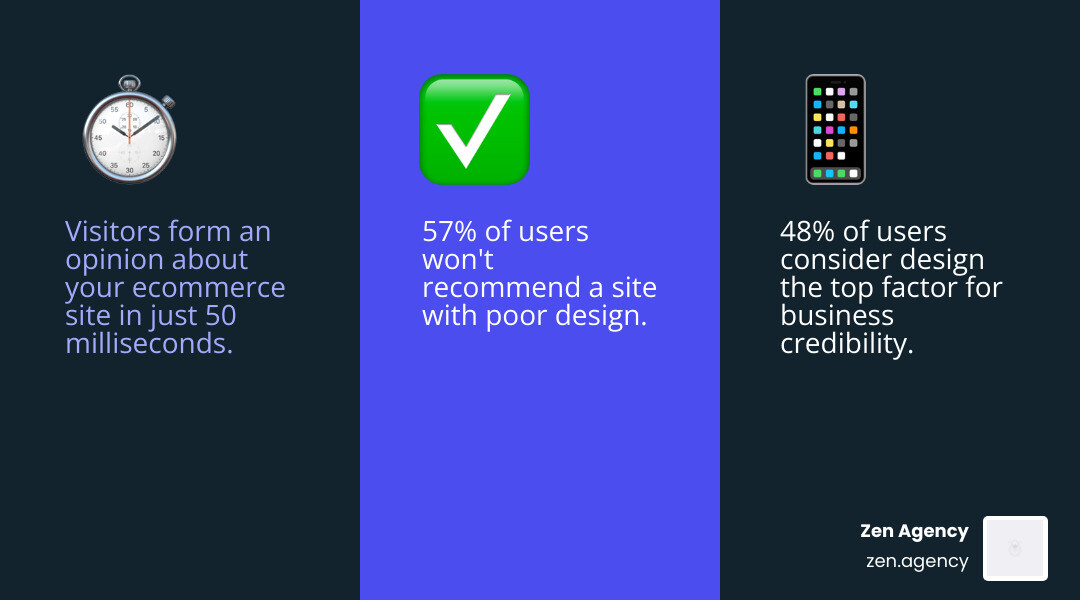
Your store has less than one second to make an impression. Research shows visitors form an opinion about a website in just 50 milliseconds — before they’ve read a single word. And the stakes are high: 48% of internet users say design is the single most important factor in deciding whether a business is credible.
If your site looks outdated, loads slowly, or feels confusing to navigate, shoppers don’t wait around. They leave — and buy from a competitor instead.
57% of users say they wouldn’t even recommend a business with a poorly designed website. That means bad design doesn’t just cost you sales today. It quietly kills word-of-mouth growth too.
Good ecommerce design is not just about looking nice. It’s about building trust, reducing friction, and guiding visitors toward a purchase as smoothly as possible.
I’m Joseph Riviello, CEO and Founder of Zen Agency, and with over 22 years of experience in digital marketing and ecommerce website design, I’ve helped countless businesses transform underperforming online stores into high-converting revenue engines. In this guide, I’ll walk you through everything you need to know to design — or redesign — an ecommerce site that actually scales.
Quick ecommerce website design terms:
The Fundamentals of Ecommerce Website Design
When we talk about ecommerce website design, we aren’t just talking about picking a pretty color palette. It is the architectural blueprint of your digital storefront. Unlike a standard corporate site that serves as a digital brochure, an ecommerce site is a living, breathing sales machine. It requires a complex backend database, real-time inventory management, secure payment gateways, and a front-end interface that makes buying feel like second nature.
The foundation of any successful design is trust. Because shoppers can’t physically touch your products, they rely on “trust indicators” to feel safe handing over their credit card details. This includes everything from professional branding consistency to social proof and customer reviews.
Research into first impressions and web design confirms that users judge your professionalism based on visual cues. If your logo is pixelated or your layout feels “off,” your credibility takes a hit before the customer even sees your prices.
To understand the complexity involved, let’s look at how a dedicated ecommerce site differs from a basic business website:
| Feature | Standard Corporate Site | Ecommerce Website |
|---|---|---|
| Primary Goal | Brand awareness & lead gen | Direct sales & transactions |
| Product Display | Static list or gallery | Dynamic database with filters |
| User Journey | Contact us / Learn more | Add to cart / Checkout |
| Security Needs | Basic SSL | High-level PCI compliance |
| Functionality | Simple forms | Cart, payments, tax, shipping |
Best Practices for Ecommerce Website Design
To move a customer from “just browsing” to “order confirmed,” we follow several core E-commerce concepts and definitions that prioritize the user’s psychological comfort.
- Embrace White Space: Don’t fear the “empty” areas. White space allows your products to breathe and prevents the user from feeling overwhelmed.
- High-Contrast CTAs: Your “Add to Cart” or “Buy Now” buttons should pop. Using a color that contrasts with the rest of your site’s palette guides the eye exactly where it needs to go.
- The Scarcity Principle: Showing “only 2 left in stock” or a “sale ends in 4 hours” timer creates a gentle nudge to take action.
- Persuasive Design: This is the science of using visual hierarchy to highlight your bestsellers or special offers first.
- Simplified Headers: Keep your top navigation lean. Stick to essential categories like “Shop,” “About Us,” and “Contact” to avoid decision paralysis.
Common Mistakes in Ecommerce Website Design
In our work at Zen Agency, we often see businesses struggling to scale because of avoidable design hurdles. Here are the “conversion killers” we recommend fixing immediately:
- Cluttered Homepages: Trying to show every single product on the front page makes your brand look disorganized.
- Hidden Contact Info: If a customer can’t find a phone number or email, they assume you aren’t a real business.
- Forced Registration: 37% of users will abandon a purchase if they are forced to create an account before checking out. Always offer a guest checkout option!
- Broken Links and 404s: Nothing screams “unprofessional” louder than a button that doesn’t work.
- Poor Font Hierarchy: If your headlines, subheaders, and body text all look the same, users won’t know what information is most important.
Essential Elements for User Experience and Visual Appeal
Visual appeal in ecommerce website design is your silent salesperson. Since customers can’t pick up the item, your design must bridge the gap between the digital and physical worlds.
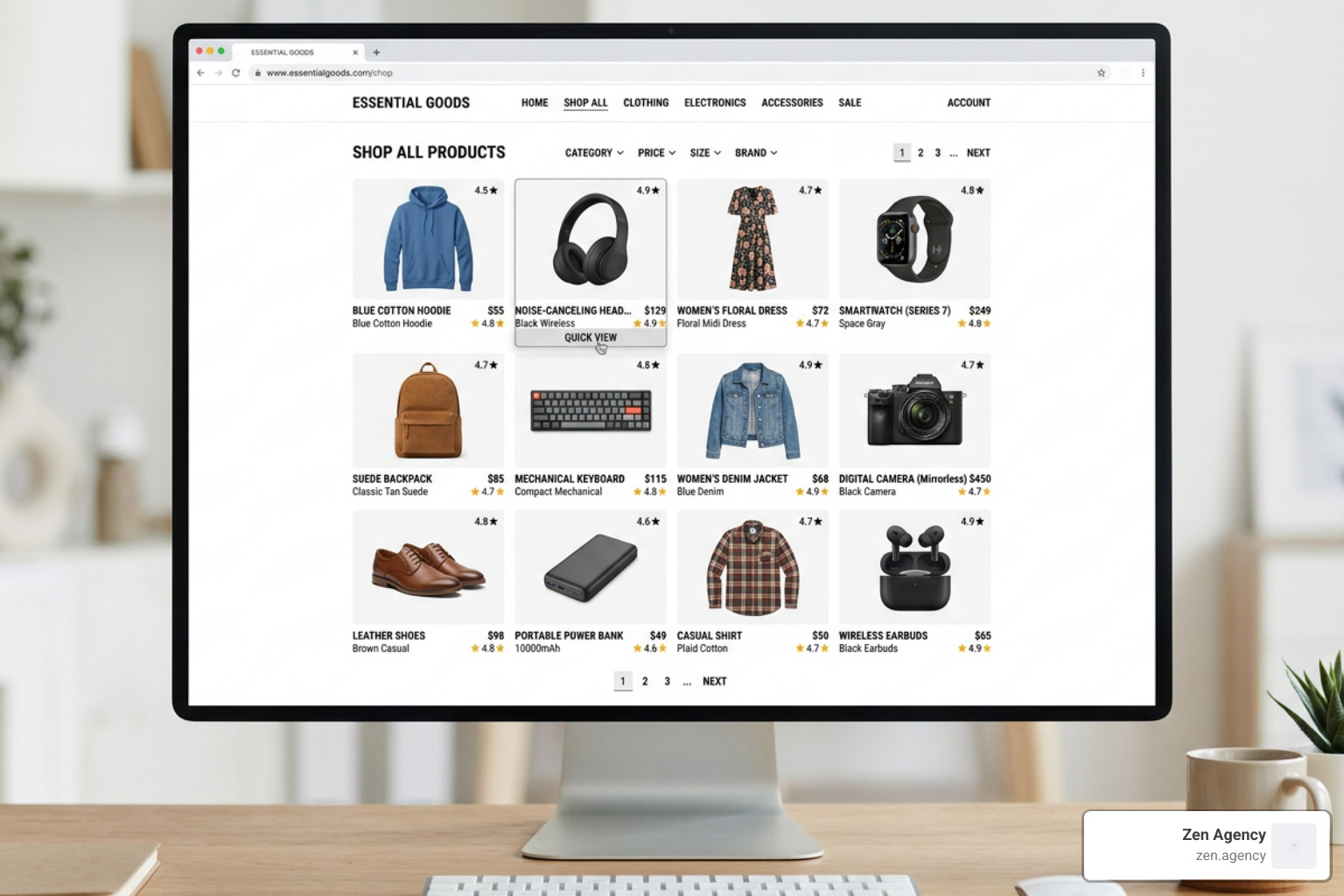
One of the most effective ways to do this is through high-quality imagery and video integration. Take Bose’s minimalist horizontal layout, for example; they use bold, flat color backgrounds and curated imagery to let the product take center stage. When you pair this with a “product quick-view” feature—allowing users to see details without leaving the current page—you significantly reduce friction.
Personalization also plays a massive role. Modern shoppers expect dynamic content that remembers their preferences. Whether it’s a “Recommended for You” section or a “Recently Viewed” sidebar, these small touches make the experience feel tailor-made.
Optimizing Product Pages and Descriptions
Your product page is where the “magic” happens. It’s the final hurdle before the cart. To optimize this space:
- Use Multi-Angle Shots: Show the front, back, side, and the product in use (lifestyle shots).
- Benefit-Driven Copy: Don’t just list specs. Explain how the product solves a problem.
- Accordions for Technical Specs: Use collapsible sections to keep the page clean while still providing deep technical details for those who want them.
- Typography Matters: Follow ETQ Amsterdam’s clean typography style—using elegant, readable fonts that reflect a premium brand feel.
- User-Generated Content (UGC): Seeing photos from real customers builds more trust than any professional photoshoot ever could.
Streamlining the Shopping Cart and Checkout
The checkout is the most fragile part of the user journey. Even a tiny hiccup can lead to a lost sale. In fact, 10% of customers will abandon their carts if they don’t see enough payment methods.
To keep them moving:
- Use Progress Indicators: Show them they are on “Step 2 of 3.”
- Offer Guest Checkout: Don’t let a password requirement stand in the way of a sale.
- One-Page Layouts: If possible, keep the entire checkout process on a single screen to minimize loading times.
- Display Security Badges: Use recognized trust seals and ensure your site meets SSL and HTTPS security standards.
- Transparent Shipping: Never surprise a customer with shipping costs at the very last second. Display them as early as possible.
The Strategic Role of Mobile-First Design and Performance
We live in a mobile-first world. By 2027, mobile commerce is expected to reach 62% of all ecommerce. If your site isn’t optimized for a thumb and a small screen, you are essentially closing your doors to more than half of your potential customers.
Mobile-first design means more than just shrinking your desktop site. It means designing for “thumb-friendly” navigation—placing buttons where they are easy to reach and ensuring text is legible without zooming.
Performance is equally critical. A one-second delay in page load time can result in a 7% reduction in conversions. To keep your site lightning-fast, we recommend:
- Image Compression: Use modern formats like WebP to keep file sizes low without losing quality.
- Lazy Loading: Only load images as the user scrolls down to them.
- CDN Implementation: Use a Content Delivery Network to serve your site from a server closest to the user’s physical location.
Frictionless Site Navigation and Search
If a customer can’t find it, they can’t buy it. Your navigation should be “frictionless.”
- Omnipresent Search Bars: Put the search bar at the top of every page.
- Auto-complete Functionality: Help users find what they need faster by suggesting products as they type.
- Breadcrumbs: These small text links (e.g., Home > Men’s Shoes > Sneakers) help users understand where they are and how to get back.
- Filtering and Sorting: Let users narrow down their choices by size, color, price, or brand. This is especially vital for stores with large inventories.
Why an Ecommerce Website Redesign is Critical for Scaling
Many businesses reach a point where their current platform just can’t keep up. Maybe your sales have plateaued, or your site feels “clunky” compared to the competition. This is often due to “technical debt”—years of patchwork fixes that finally start to break.
A redesign isn’t just a “face-lift”; it’s a strategic move to improve your Conversion Rate Optimization (CRO). It allows you to integrate modern tech like:
- Headless Commerce: Separating your front-end design from your back-end database for ultimate flexibility and speed.
- AI-Powered Chatbots: Providing 24/7 customer support without the overhead.
- AR Product Visualization: Letting customers see how a piece of furniture looks in their actual living room using their phone’s camera.
Global online sales have already blasted past the record-setting mark of $1.4 trillion, and the competition is only getting fiercer. Staying static is the same as moving backward.
Measuring Success with Key Metrics
How do you know if your ecommerce website design is working? You have to watch the data. At Zen Agency, we focus on these five metrics:
- Bounce Rate: Are people leaving immediately? (Usually a sign of poor design or slow speed).
- Average Order Value (AOV): Are your “Recommended Products” actually getting people to buy more?
- Conversion Lift: The percentage increase in sales after making a design change.
- Customer Lifetime Value (CLV): Does the design encourage people to come back and buy again?
- Cart Abandonment Rate: Where exactly are people dropping off in the checkout process?
Navigating the Redesign Process: Costs, Steps, and Platforms
Redesigning a site is a journey. It starts with a deep audit of what’s currently working and what’s failing. We then move into UX wireframing—creating a skeleton of the site to test the flow before we ever touch a pixel of color.
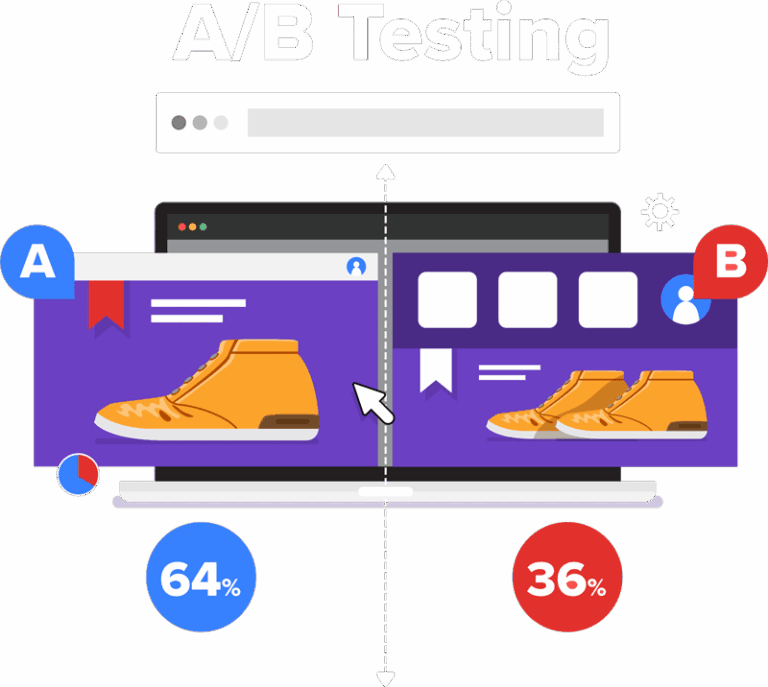
Once the wireframes are set, we develop a style guide to ensure branding is consistent across every page. Before launch, we conduct rigorous user testing and A/B testing to see which versions of a page perform best.
Choosing the Right Platform for Your Business
The platform you choose is the engine of your store. Here’s a quick breakdown of the big players:
- Shopify: Great for ease of use and quick setup. It offers excellent ecommerce design features and a massive app store.
- BigCommerce: Ideal for high-volume stores that need robust out-of-the-box features and complex SEO capabilities.
- WooCommerce: The best choice for those who want total control and are already comfortable with WordPress.
- Custom Development: For enterprise-level businesses with unique needs that “off-the-shelf” solutions can’t meet.
Costs can vary wildly depending on the complexity, ranging from a few thousand dollars for a basic template-based site to six figures for a fully custom, enterprise-grade solution.
Frequently Asked Questions about Ecommerce Website Design
How much does a professional ecommerce website redesign cost?
Costs depend on the scope of the project. A basic Shopify or WooCommerce site might range from $5,000 to $20,000. However, enterprise-grade solutions with custom integrations and advanced functionality typically range from $120,000 to $250,000+.
What are the best platforms for designing an ecommerce site?
The “best” platform depends on your business size and goals. Shopify is excellent for beginners and mid-market brands. BigCommerce is fantastic for scalability. WooCommerce offers the most customization for WordPress users. At Zen Agency, we are platform-agnostic and help you choose the one that fits your ROI goals.
How can I improve my ecommerce site’s navigation for better SEO?
Use a clear, hierarchical structure with descriptive labels. Ensure your most important categories are in the main menu and use breadcrumbs to help search engines understand your site’s layout. A well-organized site isn’t just better for users; it’s easier for Google to crawl and rank.
Conclusion
At Zen Agency, we don’t just build websites; we build foundations for growth. Whether you are located in Wilkes-Barre, Scranton, or Billings, MT, our mission remains the same: providing enterprise-grade solutions and innovative strategies to help struggling-to-scale businesses increase their visibility, profitability, and ROI.
We specialize in custom development that goes beyond the surface level, ensuring your ecommerce website design is backed by data and built for long-term success. Ready to stop sinking and start scaling?
Get more info about our ecommerce website design services and let’s turn your digital storefront into your most powerful asset.